

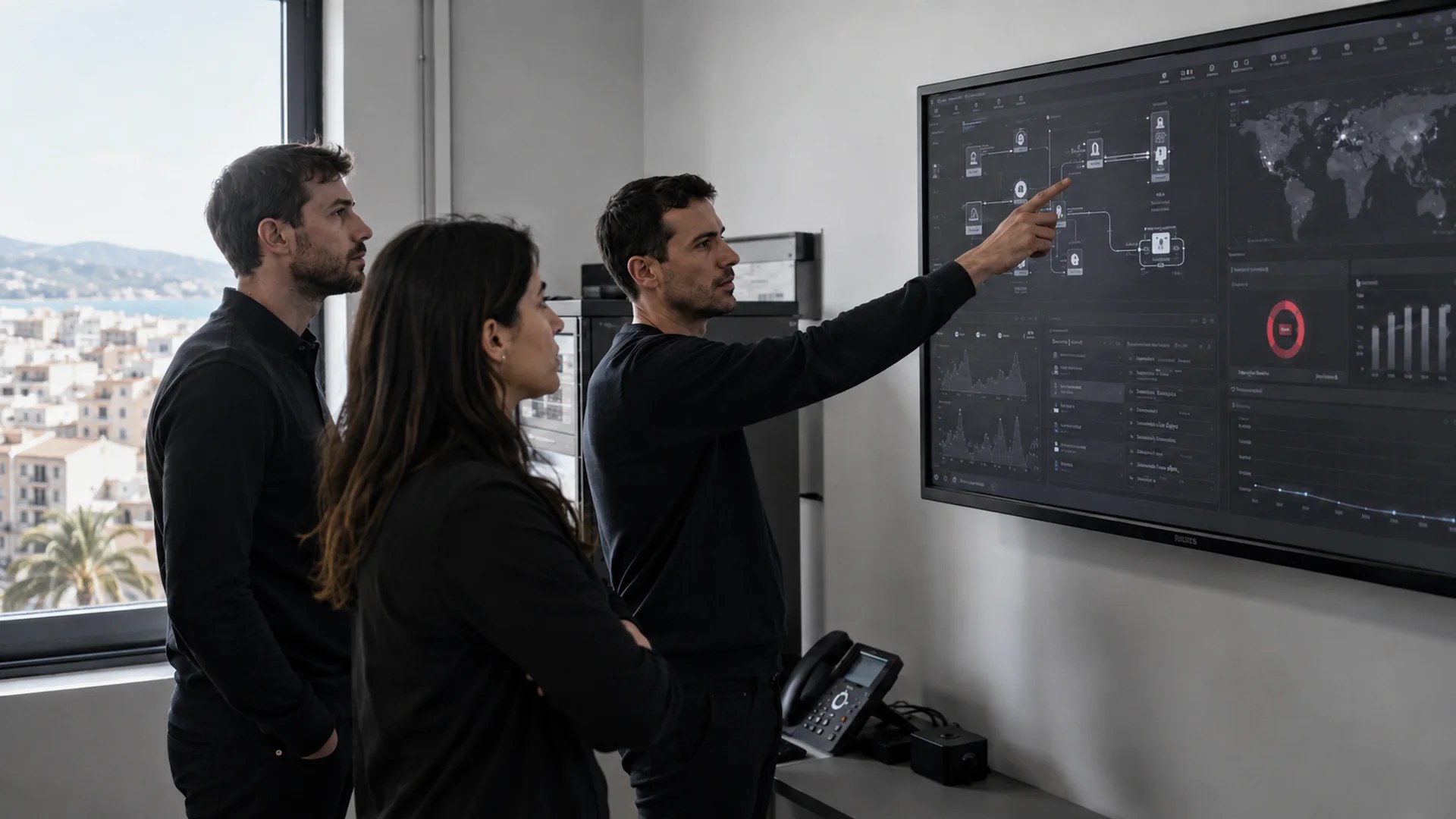
We install, manage and monitor servers for businesses across Mallorca: physical machines in your office, virtualised or in the cloud. Windows Server, Linux, Hyper-V and VMware, with patching kept up to date, round-the-clock monitoring and a recovery plan that has genuinely been tested.
What we do with your server
| Service | What it includes |
|---|---|
| Installation and commissioning | We size the server around what you’ll genuinely ask of it — users, applications, expected growth — and hand it over ready to work: operating system, roles, permissions and backups. |
| Day-to-day administration | Patches and updates, user and permission management, disk space control, log review and performance tuning. Windows Server and Linux. |
| Virtualisation | Hyper-V and VMware environments: several logical servers on a single machine, better used and far easier to restore if something goes wrong. |
| Critical services | Active Directory, hybrid Exchange and SQL Server, administered by people who have broken them and fixed them before. |
| Round-the-clock monitoring | We watch disk, memory, load, temperature and services. Most outages give warning first: the idea is that we find out, rather than you finding out because nobody can work. |
| Migrations | From an old server to a new one, from physical to virtual or to the cloud, and between providers too. Planned so the downtime falls outside your working hours. |
| Disaster recovery | Replication and a start-up plan to get you working again when the server can’t go on, backed by our business backup service. |
Physical, virtualised or cloud server?
There is no single right answer, and be wary of anyone who gives you one without asking a single question first. Here are the three routes and when each one makes sense:
| Option | Suits | Worth bearing in mind |
|---|---|---|
| Physical server in your office | Anyone moving a lot of data locally, running software that demands it, or who needs everything to keep working even if the internet goes down | Upfront investment, and you depend on your own power and network. It has to be replaced every few years |
| Virtualised | Anyone with several servers who wants to get more out of the hardware and restore quickly | It’s the most common option today: a failure is recovered by bringing the virtual machine up on another box |
| Cloud server | Distributed teams, several sites, or anyone who would rather pay for what they use than buy hardware | A monthly fee, and you depend on the connection. With Azure and M365 we manage the licensing so you pay for what you use, not for what you’re sold |
In practice, most companies in Mallorca end up with a mixed model: the heavy, critical workloads on site, email and collaboration in the cloud, and the backups spread across both worlds. That’s usually what we build.
Signs your server is due a review
- It slows down at certain times of day and nobody knows why. It’s almost always a saturated disk, memory running tight or a process eating the machine.
- It’s more than five years old or the manufacturer no longer supports it. The risk isn’t that it fails: it’s how long it takes you to replace a part that is no longer made.
- Nobody knows what would happen if it went down. If there’s no clear answer to “how long until we’re back?”, there’s no plan.
- It’s still running Windows Server with no security updates. An unpatched server connected to the internet is only a matter of time.
- It’s looked after by “the one who understands this stuff” inside the company, with no documentation and no copy of the passwords. The day they’re not around, you have two problems instead of one.
How much does server administration cost?
Ongoing administration is included in our flat-rate IT maintenance: from 100 €/month per server on the standard plan and from 150 €/month with 24-hour cover (+VAT). One-off work — an installation, a migration, an upgrade — is billed through hour packs from 60 €/hour. These are “from” prices: they depend on how many servers you have and on what runs on them.
Get your server reviewed, no obligation →
FAQs
about servers
Which server systems do you work with?
Windows Server and Linux, on physical hardware or virtualised with Hyper-V and VMware. We also administer the services that usually sit on top: Active Directory, hybrid Exchange and SQL Server. And in the cloud, Azure virtual machines and Microsoft 365 environments.
Is it better to have my own server or go to the cloud?
It depends on your applications, how much data you move locally and whether you have more than one site. Before we recommend anything we look at what you actually use: more often than not it ends up being a mixed model, with the heavy workloads on site and email and collaboration in the cloud.
Can you handle the migration without stopping the business?
Yes, and it’s the part we plan most carefully. We prepare the new server in parallel, run the tests with real data and leave the final switch for a window outside your working hours, usually a weekend. On Monday everyone works as normal.
What happens if the server fails on a Sunday?
With the 24-hour plan, we respond outside working hours too. And because we monitor the machine continuously, in many cases we spot the problem — a disk degrading, space running out — before it ever brings the service down.
Do you look after the server backups as well?
Yes, the two go hand in hand. A well-administered server without tested backups is still a risk. We set it up with replicas at different sites and daily checks by our own team.
Do you work with companies across Mallorca?
Yes. Administration is remote, so the day-to-day doesn’t depend on where you are; and when someone has to come out in person — an installation, a hardware fault — we travel from Palma.